how i code as a broke ass college student with i5 10gen and 8gb ram in 2026
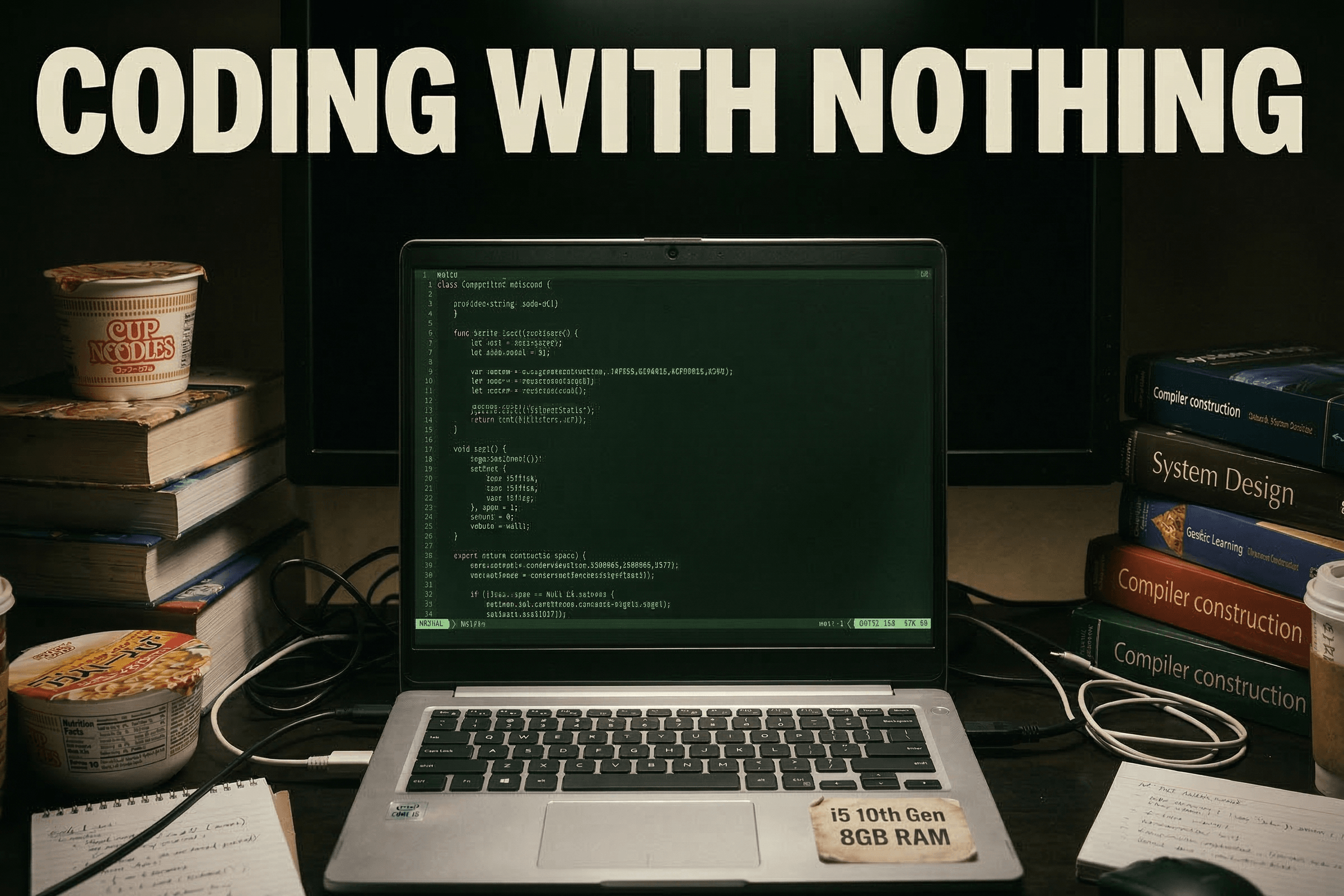
8 gigs of ram might sound fine, but when you have vs code (f*ck electron) and a next js server and a browser (with 3–4 tabs) running, it feels slower than anything. Ruins the experience. Takes all fun out of coding. Testimony to the fact that you need the right tools to do the right job.
But I have adapted, and here's a list of the tools I use to push out polished software out into the world, with whatever I've got.
1. Github Copilot
Goes without saying tbh. If you are coding without LLMs in 2026, pass me what you're smoking. It's no longer a choice. If you are not using LLMs just for the sake of "code purity" or some sh*t, stop it right now, because that ball has been out of the park for a long time. LLMs are here to stay. AI is gonna write code left, right, and center, so it's better you get on the train and get used to the tools and models.
If you are a college student, you get free access to Github Copilot (and a ton of other things). I would have thanked Microslop for this, but they just decided to remove opus, sonnet, and gpt 5.4 from manual selection.
2. OpenCode
The TUI version, not the desktop. OpenCode has helped me a ton because:
- It runs in the terminal. No bloat. No major ram consumption.
- I can connect multiple providers in OpenCode. That way I can use my ChatGPT Go (which I got for free), antigravity, and github copilot at one place.
- OpenCode (via Zen) also provides free models time to time. For ex, when kimi k2.5 launched, it was free on opencode for a week or two. Right now, minimax m2.5, nemotron super, and mimo flash are free.
But I don't use the vanilla opencode. I use a special plugin called oh my opencode, which has specialized agents and workflows that make LLMs feel like real devs.
3. Helix
Helix is a modal text editor. It's like vim, if you know what that is. The reason why I prefer Helix over nvim / lazyvim is because Helix focuses on having built-in functionality without requiring extensive configs.
Don't get me wrong, configs are nice, and many people prefer nvim because they can config it to hell and back, but sometimes you just want simple things in life, and that's why I prefer Helix.
It takes some getting used to. If you are coming from vs code to this, it might take some time to get into the flow and understand keybindings (which are totally configurable btw, you can make them just like vs code).
4. Zed
Zed is a newer rust based code editor / ide. Much much lighter than vs code / electron bloat. I rarely find the need to use Zed in my workflow. Only use it when I need to make quick edits and Helix will just slow me down.
Side note 1: Zed recently announced their student dev pack, in which they offer $10 worth of token credits free every month, along with unlimited tab completions. Check it out here.
Side note 2: You can use opencode / claude code / codex / github copilot / and a lot of other stuff within Zed too. Before I landed on my current workflow, I used to use Zed with Github Copilot.
Side note 3: Zed doesnt have great jupyter notebook support.
5. Antigravity
Use it only when I want free opus compute. When I connect opencode with antigravity I get the gemini models, but not claude models. Google must be blocking claude models to be available via api.
When I run Antigravity, I close my browser, or everything starts hanging.
I still want to talk about how switching to terminal from GUIs has made me a better dev. This shift came after I shifted to linux from windows. I think these topics deserve a blog post of their own, so I won't talk about it here. Will update this blog with the links when I'm done with them. Until then, peace!